
Windows 7 64bit rearranges my desktop icons, a solution, sort of.
I know this has nothing to do with Christmas or webmastering in general, but I thought I would share incase anyone else has this issue and happens to stumble upon this post.

I know this has nothing to do with Christmas or webmastering in general, but I thought I would share incase anyone else has this issue and happens to stumble upon this post.
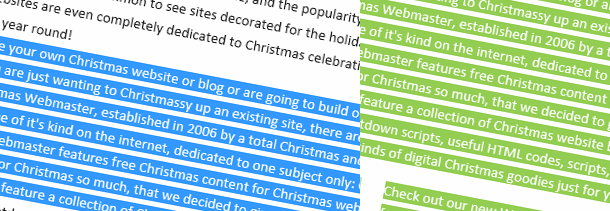
When a user highlights text on a website it turns blue by default, but you can easily change this to some other snazzy color scheme with this simple CSS trick. It’s fun to play around with different colors, try red and white for a candy cane look!

If you’re anything like me, you don’t want to settle for a run-of-the-mill countdown. You want a Christmas countdown to match your site, and for that you’ll need to make your own. In this tutorial, I’ll show you just how easy it is to do.
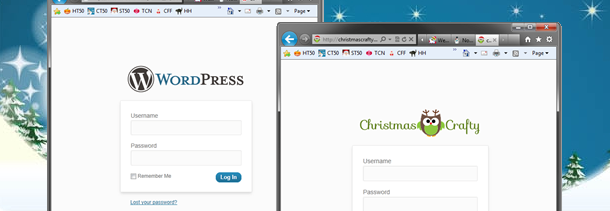
Every WordPress site has the WordPress logo on it’s wp-login.php page that is linked to wordpress.org. You can change this to match your site without a plugin. It’s easy, I’ll show you how.
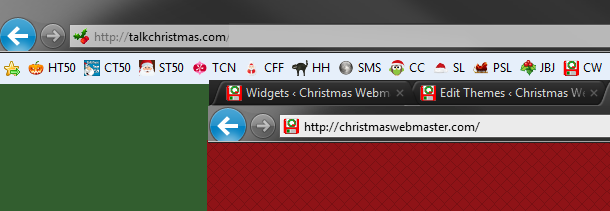
Since today’s browsers automatically determine a favicon for each website, not having one can actually cause 404 errors in your server log.
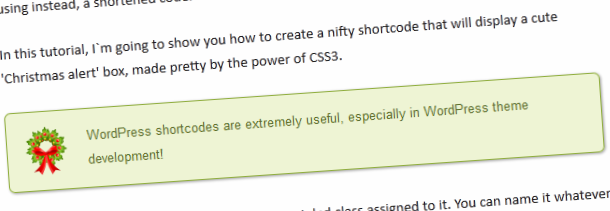
WordPress shortcodes are a set of functions created inside functions.php, for creating macro codes for use in post content. As the name implies, a shortcode is a simple way to display complicated codes using instead, a shortened code.
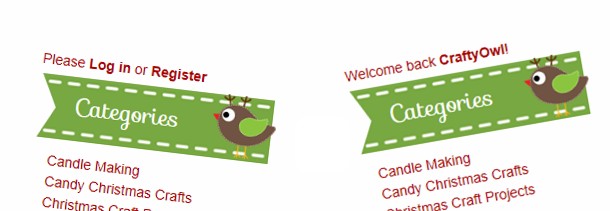
If you allow people to sign up for your blog to comment or even contribute, here’s a simple snippet of code that you can place in your sidebar.php file to display a custom welcome greeting to your users.
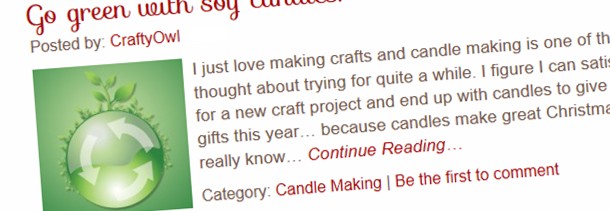
Excerpts are the mini-descriptions of the posts shown on the main pages of most WordPress blogs, their category pages, and archive pages. You can place a filter in your functions.php file to overwrite the default.

I think the new sidebar in vBulletin 4 is long overdue and I really love the way it’s done, it gives your users the ability to show the sidebar, or hide it.
If you’re using WordPress it’s really simple to have the copyright notice in the footer of your site to update each year automatically.